

Deployment and safety

Deploy at the site and keep data on-site. Add controlled, auditable online tuning through a browser while retaining existing control and protection systems.
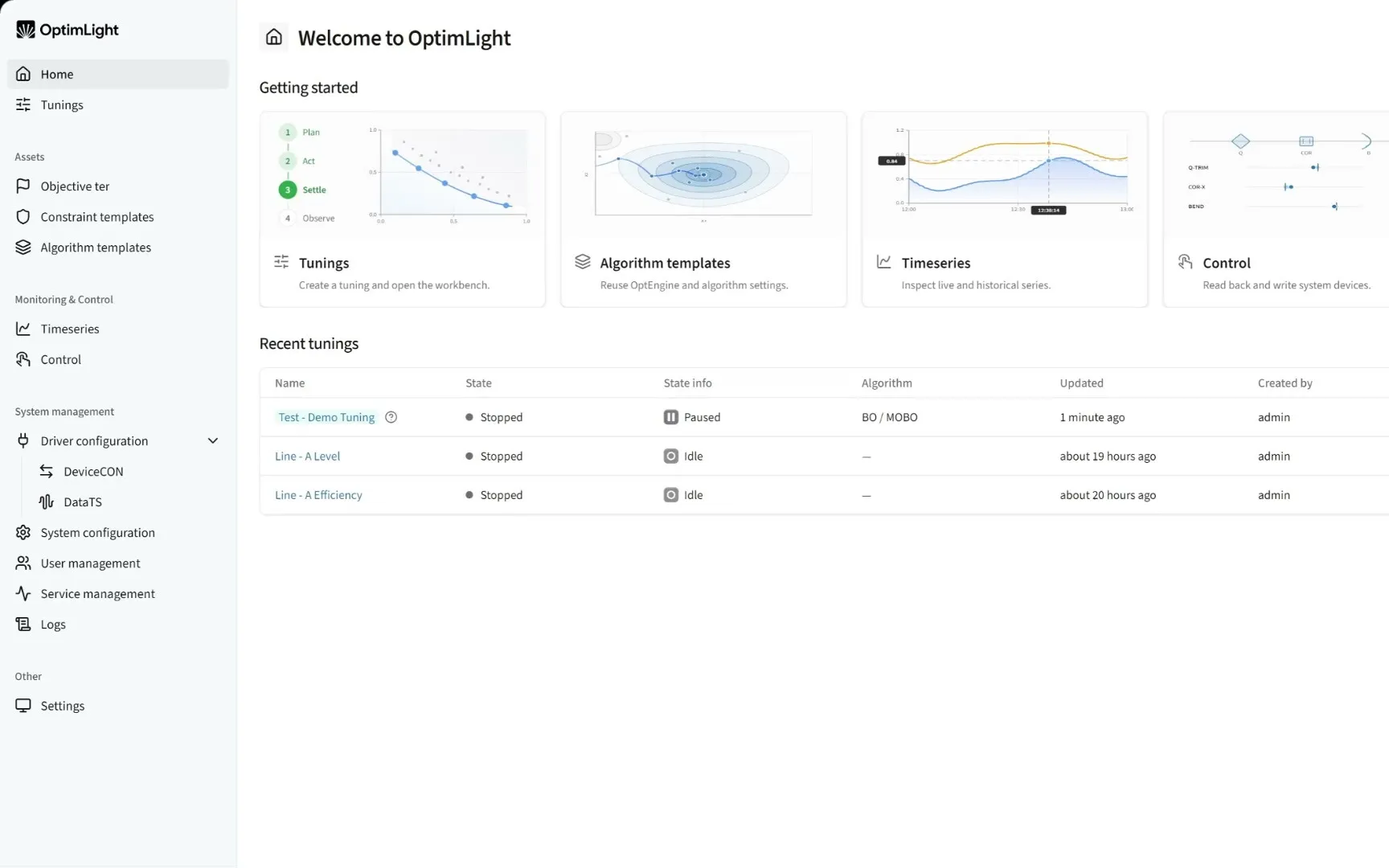
OptimLight browser workspace with service management navigation
The browser workspace provides service management navigation for reviewing on-site service status.

Lightweight integration within the existing site architecture

Add tuning on top of existing equipment and systems, with platform deployment, browser access, and optional separate time-series storage all remaining within the site boundary.

Browser access
Use the workspace through a browser on the local network, with no desktop client required for each user.
On-site Windows host
Runs the platform and field tuning services while keeping data at the site.
Flexible storage
Time-series storage can be deployed separately to match site scale and operating requirements.

Clear boundaries for data, permissions, and operations

Deployment determines not only installation, but also who controls data, who can operate the system, and how changes are traced.

Data stays on site

Business and field operating data remain at the site under its own data policies.

No internet required for normal tuning

Tuning does not depend on external networks or cloud services, supporting sites with clear data boundaries.

Retain and export results

Export run records and field data by permission for analysis, archiving, and later review.

Traceable permissions and actions

Role-based permissions and key operation records support an auditable tuning process.

From product experience to field application

Understand the workflow and validate fit first, so deployment starts with clear objectives and boundaries.

Experience the workflow
Use the product demo to explore the complete process from objective setup to result analysis.
Assess site fit
Confirm a suitable application by reviewing objectives, authorized parameters, data conditions, and operating requirements.
Deploy at the site
Complete installation, validation, and go-live in line with site networking, operations, and safety requirements.

Automation does not change site safety responsibilities

OptimLight adjusts setpoints within an authorized scope; it does not replace field control or safety protection, and site teams retain ownership of key decisions.

Existing controls remain independent
PLCs, DCSs, field interlocks, and protective circuits continue to handle basic control and safety independently.
Adjust within authorized limits
Only engineering-approved setpoints are adjusted, with clear optimization boundaries and operating permissions.
Human judgment remains central
Site teams own objectives, boundaries, and key decisions, with stop, pause, and resume available when run states allow.
Explore deployment and operations documentation

Bring online tuning into an intelligent, data-driven loop

Watch the product demo to explore the complete workflow from objective setup and parameter adjustments to settling and evaluation. When the online trial opens, you can experience firsthand how OptimLight makes every adjustment evidence-based, traceable, and reusable.