Online Intelligent Parameter TuningPlatform for Industrial Fields
Operators often adjust plant parameters from machine state. OptimLight turns that into a configurable, repeatable online experiment.
It ships as general-purpose software and is not bound to one industry or one device.
OptimLight is an online intelligent parameter tuning platform for industrial fields and runs on the local machine. The public demo is not open yet.
Technical features
What the platform does
Online adjustment
Connect to industrial fields and run online optimization in the real production environment.
Closed-loop iteration
Plan parameters → dispatch for execution → wait until stable → observe state, and keep iterating.
Automatic search
Use heuristic optimization algorithms to search the parameter space from the configured objectives and constraints.
Intelligent algorithms
Integrate Bayesian optimization, reinforcement learning (in development), and other advanced algorithms, significantly reducing field trials, for industrial cases where each evaluation is expensive.
General-purpose platform
Objectives, constraints, and controlled devices are configurable, without a process mechanism model.
Lightweight deployment
A B/S web architecture: simple to install and easy to deploy.
Where it fits
Site types, not a customer list
These cards name kinds of sites OptimLight can connect to. They are not delivery records and they do not mean a deployment in that industry.

Continuous process setpoints
Watch machine state, change a setpoint, hope the target holds.

Several objectives and constraints
Quality, energy, and constraints are not one number.

Expensive evaluations
Each trial waits for settle. The step count itself is expensive.

VirtualPlant first, then adapt
Configure the tuning on the virtual plant, then connect the site.
Online loop
Plan, act, wait, observe
A tuning iterates through plan, act, wait, and observe until the task is complete, the algorithm stops, or a person stops it.
The algorithm proposes the next action.
The action is sent to the control interface.
The product waits until the machine is stable and the parameters have taken effect.
In the measurement window it reads machine state and evaluates objectives and constraints.
Layers
One platform, adapted per site
The platform layer is the same general-purpose software at every site: orchestration, tuning, measurement, query, supervision, and the UI. It does not embed one site’s device list.
The site adaptation layer is the interface to that site. Control write-out and time-series ingest are configured per site, without changing platform code.
Interface
What you see after sign-in
- The tuning workbench is where you configure the problem, choose algorithms, and start a run.
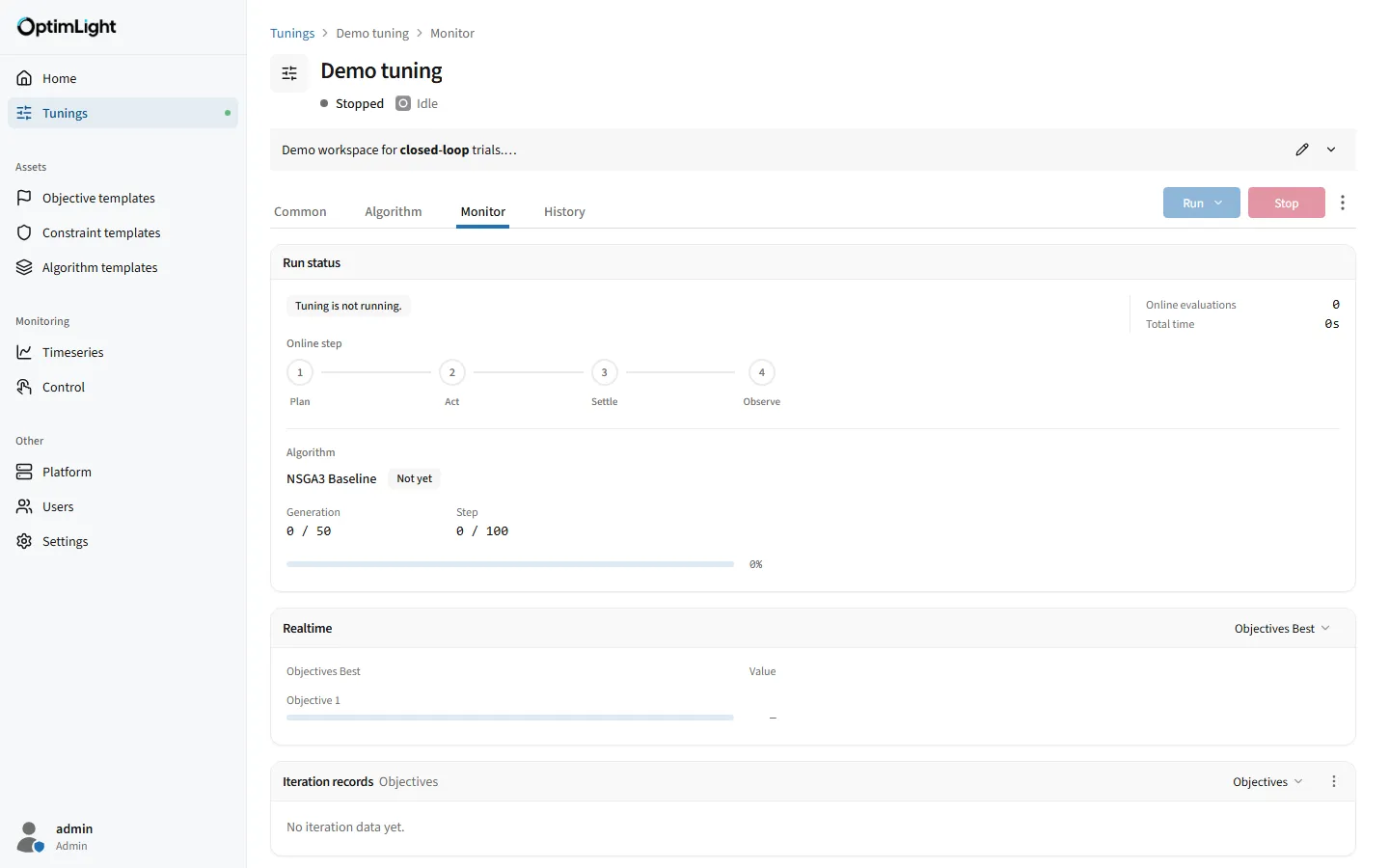
- The Monitor tab explains the current run: iterations and the best so far.
- The Timeseries page is for selecting points, reading charts, trial calculations, and export.
- Manual control reads and writes devices when you need a comparison or an intervention.
- Platform services show the observed state of local services and allow start and stop by permission.